
The short answer
Checkout.com is billed custom (flat or interchange++). It has a free tier: Self-serve sandbox test account; live pricing sales-quoted. Paid usage is quoted by the vendor rather than listed as a public price.
Plans and prices
| Plan | Price | What it covers |
|---|---|---|
| Interchange++ (IC++) | Custom quote | Transparent pass-through of interchange + scheme fees plus a negotiated markup; markup typically ~0.1%-0.4% for well-qualified merchants. No setup or account-maintenance fees. |
| Flat-rate (blended) | Custom quote | Single blended rate set by business profile and risk category; indicative effective rates ~0.8-1.8% for growth-stage merchants down to ~0.2-0.7% for large enterprises (plus scheme fees). |
| Charity pricing | Free processing | Free payment processing for registered charities. |
How Checkout.com bills you
The pricing model is custom (flat or interchange++). Enterprise unified-payments API with strong docs and SDKs, but custom risk-based pricing and sales-gated production access. Best suited to: enterprise unified payments api.
What to watch for on the bill
- No publicly published rates; pricing is entirely quote-based and requires contacting sales
- Integration can feel technical and benefits from dedicated developer resources
The pricing page we read
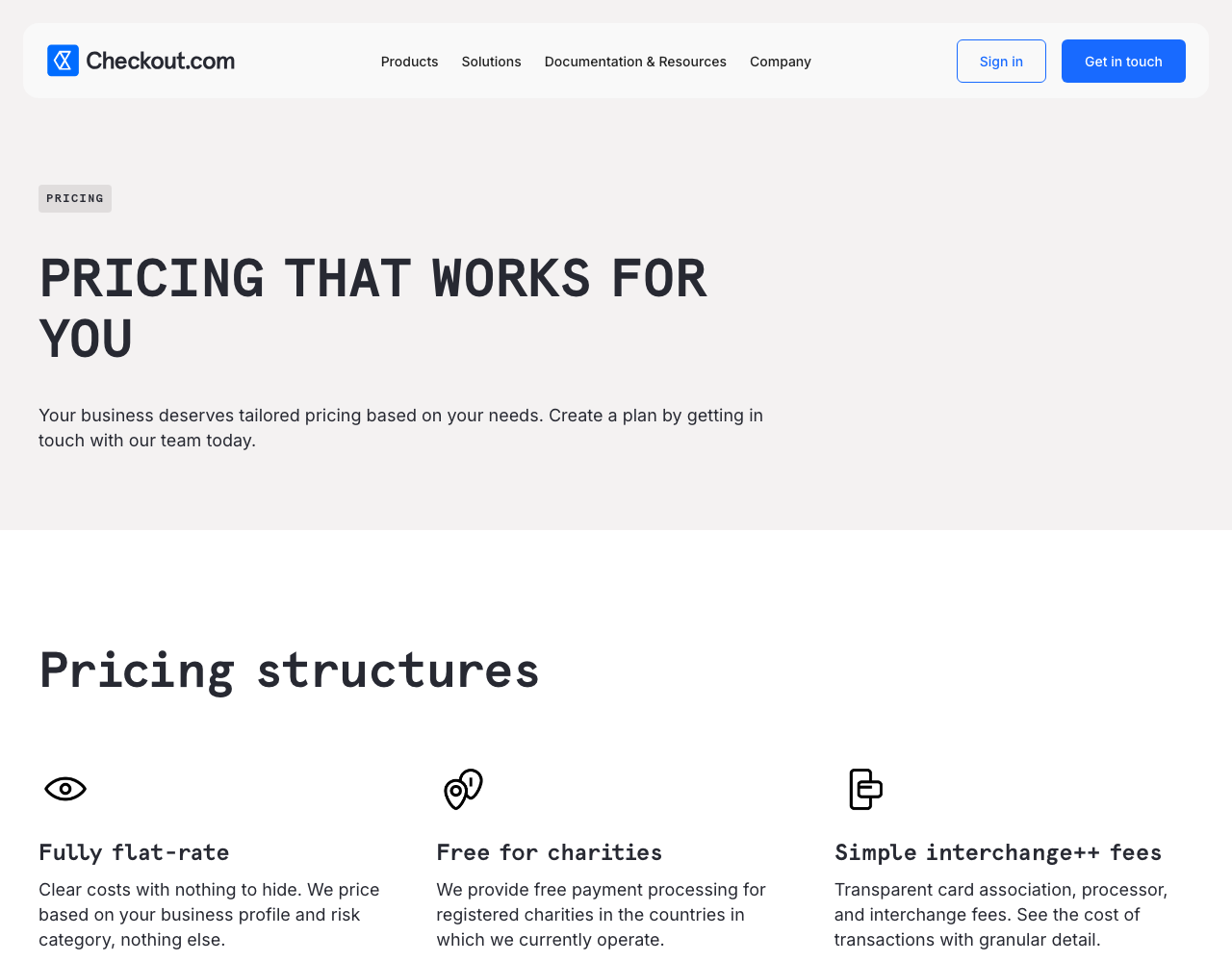
Source: https://www.checkout.com/pricing. Prices change, so confirm there before you commit.
Compare Checkout.com with alternatives
Other payments apis: Stripe, Square, Razorpay, Mollie, Braintree.
Looking at quality rather than price? See the Checkout.com score on APIbenchmarks. Full entry: Checkout.com pricing.